Δ CHANGEBOX

Software that fixes itself, under your rules.

People, telemetry and agents report what should change. ChangeBox turns it into a pull request your rules will accept, verifies it where it shipped, and asks the reporter to confirm.

Your rules: your policy, protected paths and required checks decide what ships, and a person approves anything risky. Built by Closure Network.

ChangeBox

REQUEST

CB-17

01 / 08

The checkout button doesn’t do anything.

Jane · /checkout

  1. REQUEST
  2. BUILD
  3. REVIEW
  4. SHIP
  5. VERIFY

01

Report

Click Δ where something needs changing. Or let your telemetry say it. Or your agent.

  • Δ IN PRODUCT — anyone on the page
  • TELEMETRY — production errors, grouped
  • CODING AGENT — Cursor

IN PRODUCT

ChangeBox

The checkout button doesn’t do anything.

Jane · /checkout

PR #142

  1. REVIEW

    2 findings

  2. CURSOR

    Resolving 2/2

  3. REVIEW

    Clean

✓ READY TO SHIP

02

Build + Review

Cursor makes the change. Independent review checks it before it ships.

Safe changes build on their own; anything touching auth, billing, data or secrets waits for a person.

03

Verify

Ship it and let the original reporter confirm the result.

CB-17 · LIVE

Ready to verify

Jane

Looks goodStill needs work

→ CONFIRMED

CODE

Independent review accepts the implementation.

OUTCOME

The original reporter confirms the deployed change solved the problem.

ASSISTANT

One assistant.

Ask why a change is blocked, file one, approve a gate or edit your rules. It is the same assistant in the console, in the widget on your product, and in Cursor and Claude. It acts with your role and nothing more.

Read how it connects
CONSOLE
Ask, Plan or Agent, on your changes
WIDGET
Reporters report, clarify and confirm
CURSOR · CLAUDE
The same tools over MCP

INTEGRATIONS

Five doors in.

  • GITHUB APP

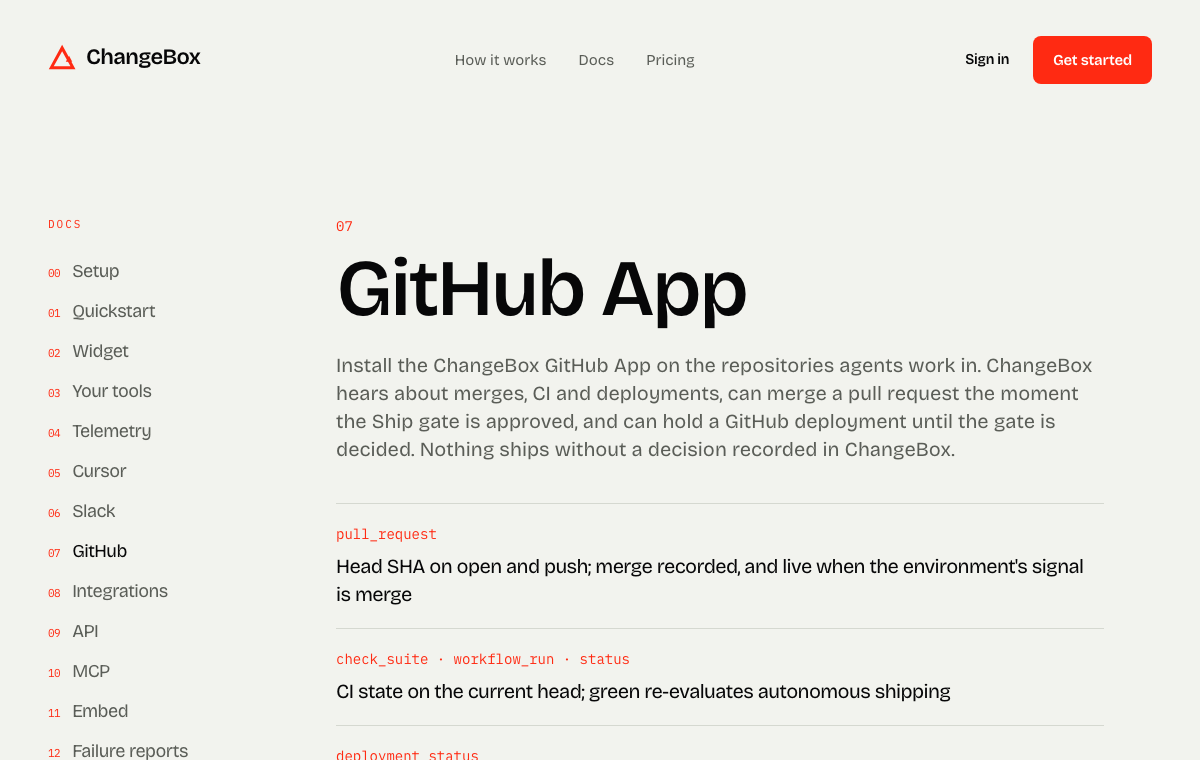
    Reviews, checks, merges and deploys, and the first pull request.

    The GitHub App page of the ChangeBox docs
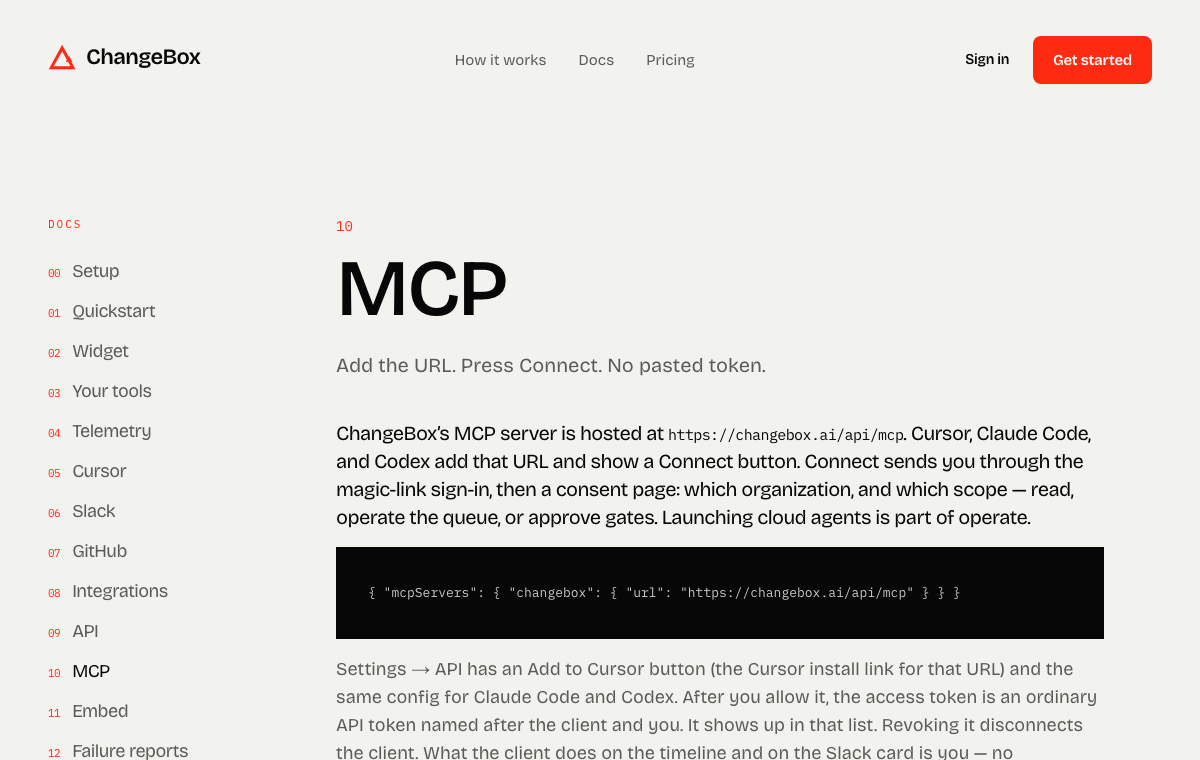
  • HOSTED MCP

    One URL for Cursor, Claude Code and Codex.

    The Hosted MCP page of the ChangeBox docs
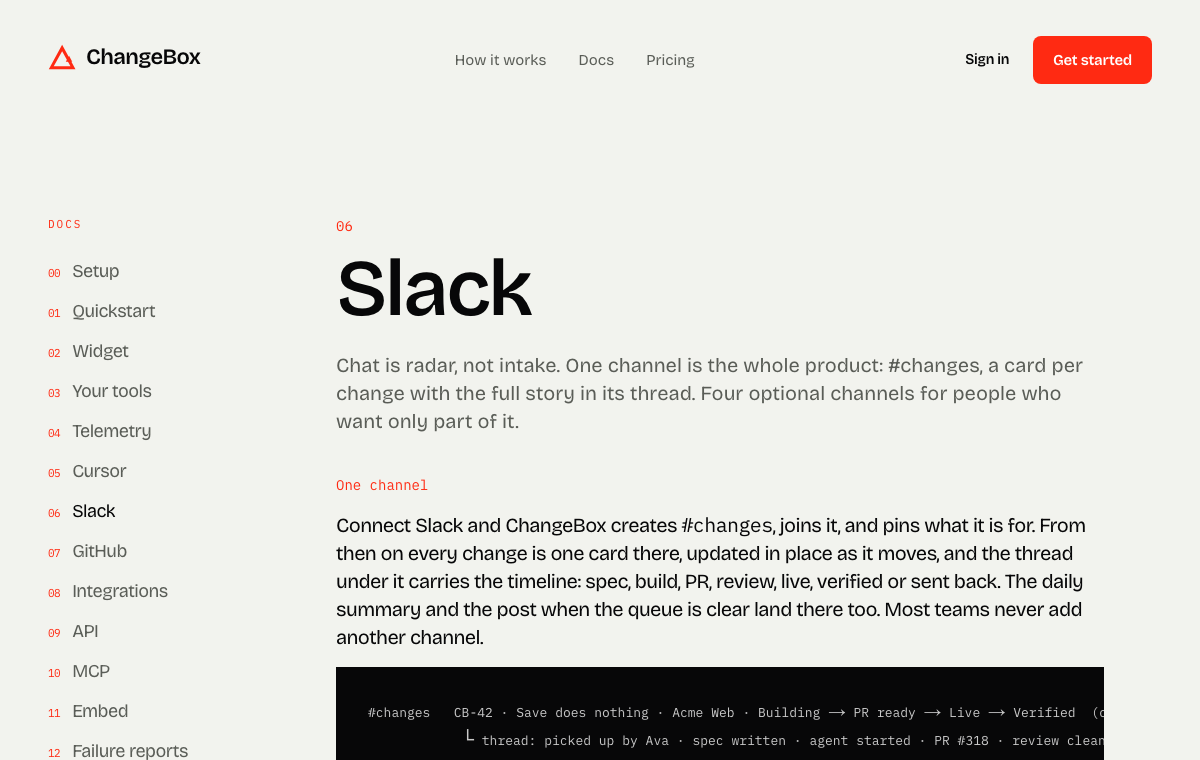
  • SLACK

    A card per change and the decisions that go with it.

    The Slack page of the ChangeBox docs
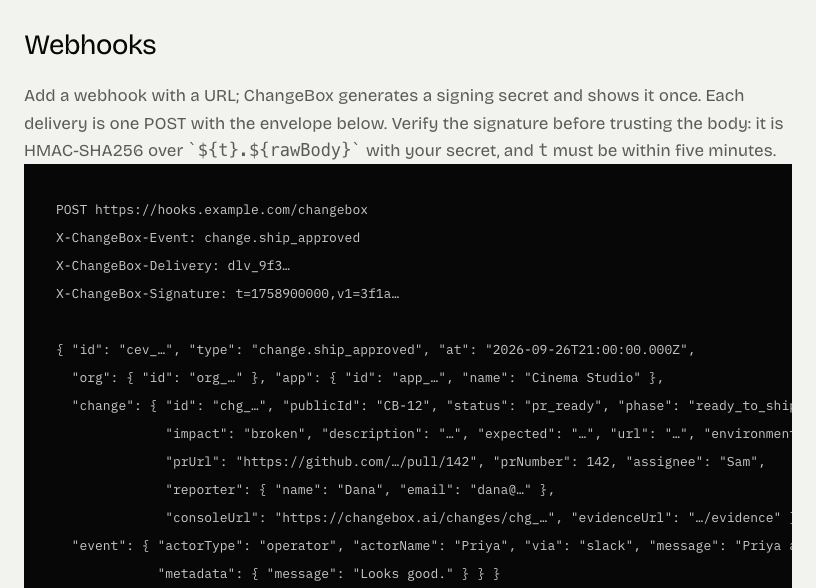
  • SIGNED WEBHOOK

    Every event, signed, to your URL.

    A signed ChangeBox webhook delivery, from the integrations docs
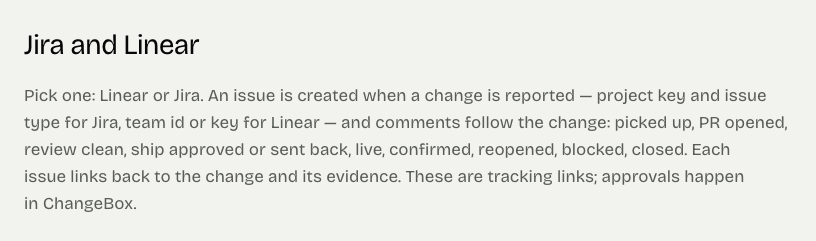
  • LINEAR OR JIRA

    An issue per change, comments as it moves.

    The Linear and Jira section of the integrations docs

AGENTS

Your tools file as you.

REPORTS

Claude Code, Cursor or a terminal walks your product and files it as you — tool named, page and expected behaviour attached.

DELEGATES

The build runs on your Cursor account.

STAYS ACCOUNTABLE

Same gates, same audit trail, same Slack card as a person. Approvers still approve. Reporters still confirm. The middle just happens.

Production errors take the same road: ChangeBox groups them by what broke and files one change when a group repeats. Next up, cloud workers with a browser, so an agent can reproduce a report before it files and check its own fix after it ships. Read how your tools connect.

Your Cursor.
Your repos.
Your AI bill.

ChangeBox orchestrates the workflow. Your Cursor Cloud Agents run under your Cursor account, using the repositories you've already connected.

CHANGEBOX
Orchestrates the loop
↓
YOUR CURSOR
Connected ✓
↓
YOUR REPOSITORY
acme/web ✓
BILLING
Paid directly to Cursor

FREE TO START

Open. Start today.

One app and the whole loop on Free. Plans from $29 a month when your team grows into it. Your Cursor bill stays yours.

FAQ

Straight answers.

What is ChangeBox?
ChangeBox is change intelligence for software teams. A change can come from a person clicking Δ in your product, from production telemetry, or from a coding agent that found something. ChangeBox writes the spec, decides who has to approve, hands the build to your own Cursor Cloud Agents, and asks the original reporter to confirm the live result.
How does ChangeBox work?
A report arrives — from Δ, from telemetry, or from an agent. ChangeBox captures the context and writes a Change Spec, the execution policy decides whether a person must open the Build gate, Cursor makes the change, independent review challenges the PR until it is clean, the change ships, and the reporter confirms whether it worked.
Can I report a change from Cursor or Claude Code?
Yes, as yourself. Connect the tool under Settings → API & MCP → Your tools and it gets a token that is you from that tool. What it files shows your name with the tool beside it — Leroy via Cursor — on the timeline, the Slack card and the audit trail. Nothing joins the team as a separate agent; a person is accountable. CI jobs and scripts use a machine token instead, and the Verifier confirms what they file because nobody is waiting.
What about production errors?
Send them to the telemetry door — one request from any language, or an OpenTelemetry logs exporter. ChangeBox groups errors by what actually broke and files one change when a group repeats. No firehose, no refiling, and nothing reads your logs with a model.
Do reporters need a ChangeBox account?
No. The widget key is public. People reporting a change never need to sign in.
Who pays for the AI work?
You do, directly to Cursor. ChangeBox orchestrates the workflow. Your Cursor Cloud Agents, repositories, and AI bill stay on your Cursor account.
Can I sign up?
Yes, today. Start free at changebox.ai/get-started with one app and the whole loop; plans from $29 a month are at changebox.ai/pricing, and a one-time Baseline audit starts at $149.
ChangeBox

Close the loop.

Put Δ in your app, point your errors at it, invite your agents.

Get started